Unreal Engine Icon Creation Tool
Replaces the screenshot → Photoshop → re-import loop with an in-engine tool that captures icons with alpha from a render target in two clicks.
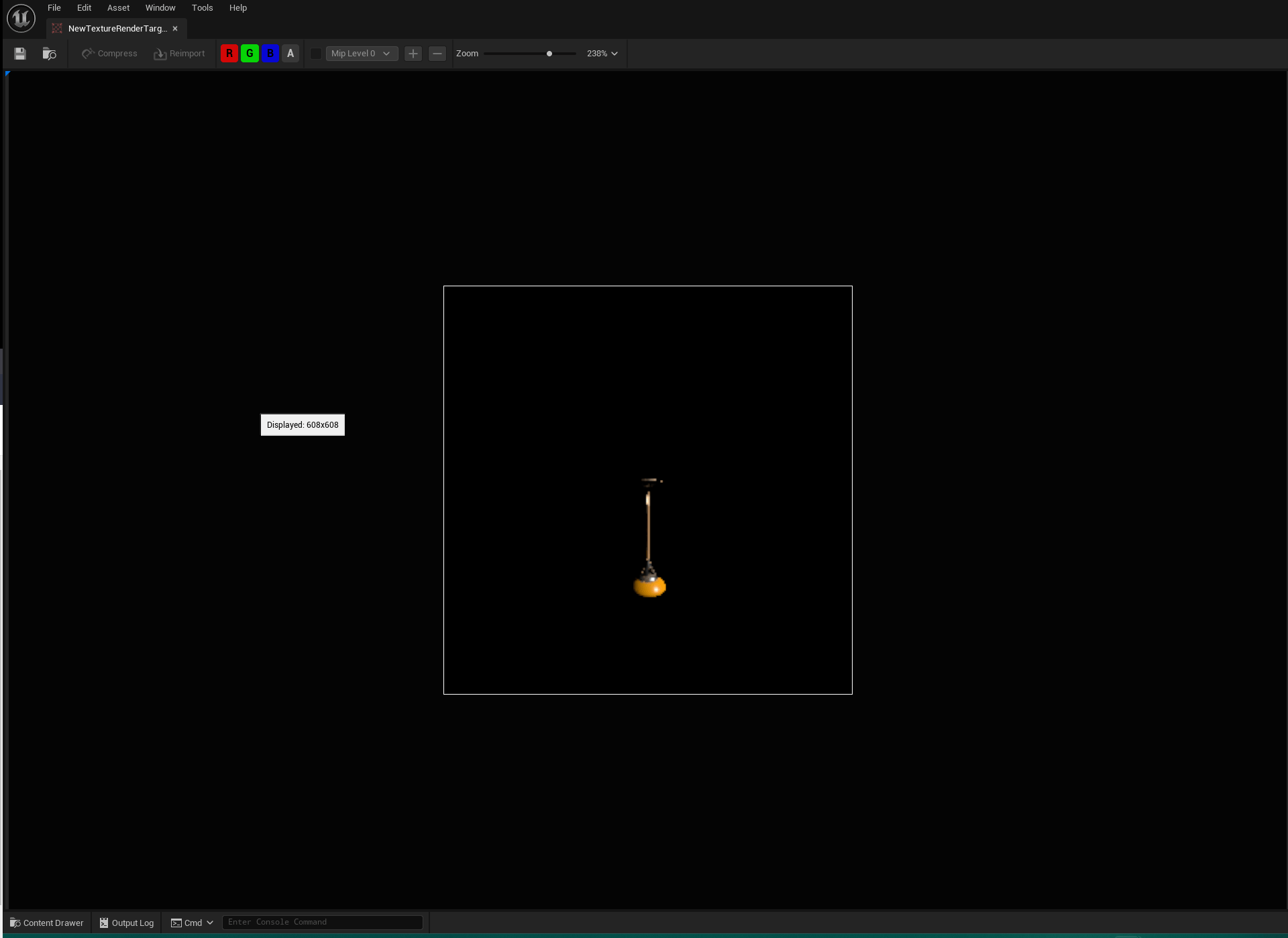
I wanted to make my icon creation process for Unreal Engine projects faster and easier. Usually, I’d have to take a screenshot of an object, import that into Photoshop, carefully remove the background, and then put it back into Unreal. Realizing this method was a bit messy and time-consuming, I decided to take on a project to clean up this process and make it smoother.
Render target
A render target is a memory location that holds the output of the rendering process when a 3D scene is rendered. Using the render target seemed like the best way to do this: if I could save a copy of the render target as a texture, I would automatically have my icon. So I got to work.
Prototype
I wanted a separate view for this tool, so I made a new dockable viewport and added camera position sliders and a big screenshot button (which would take a copy of the render target).
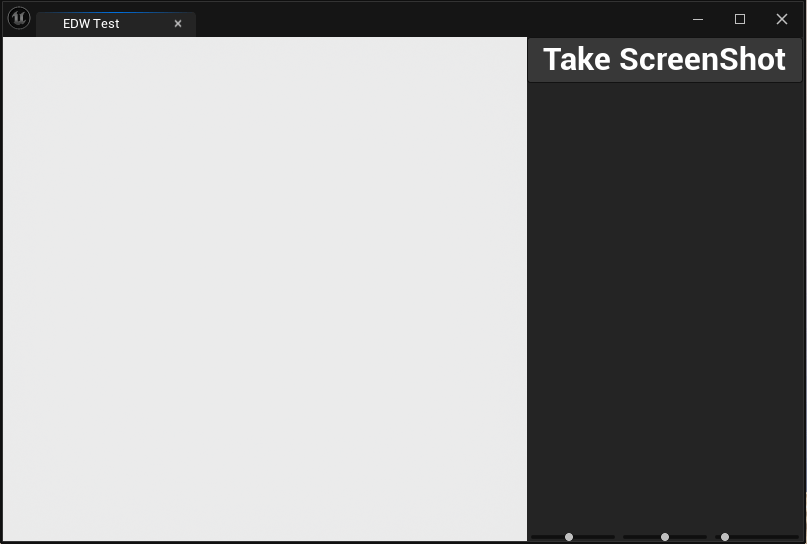
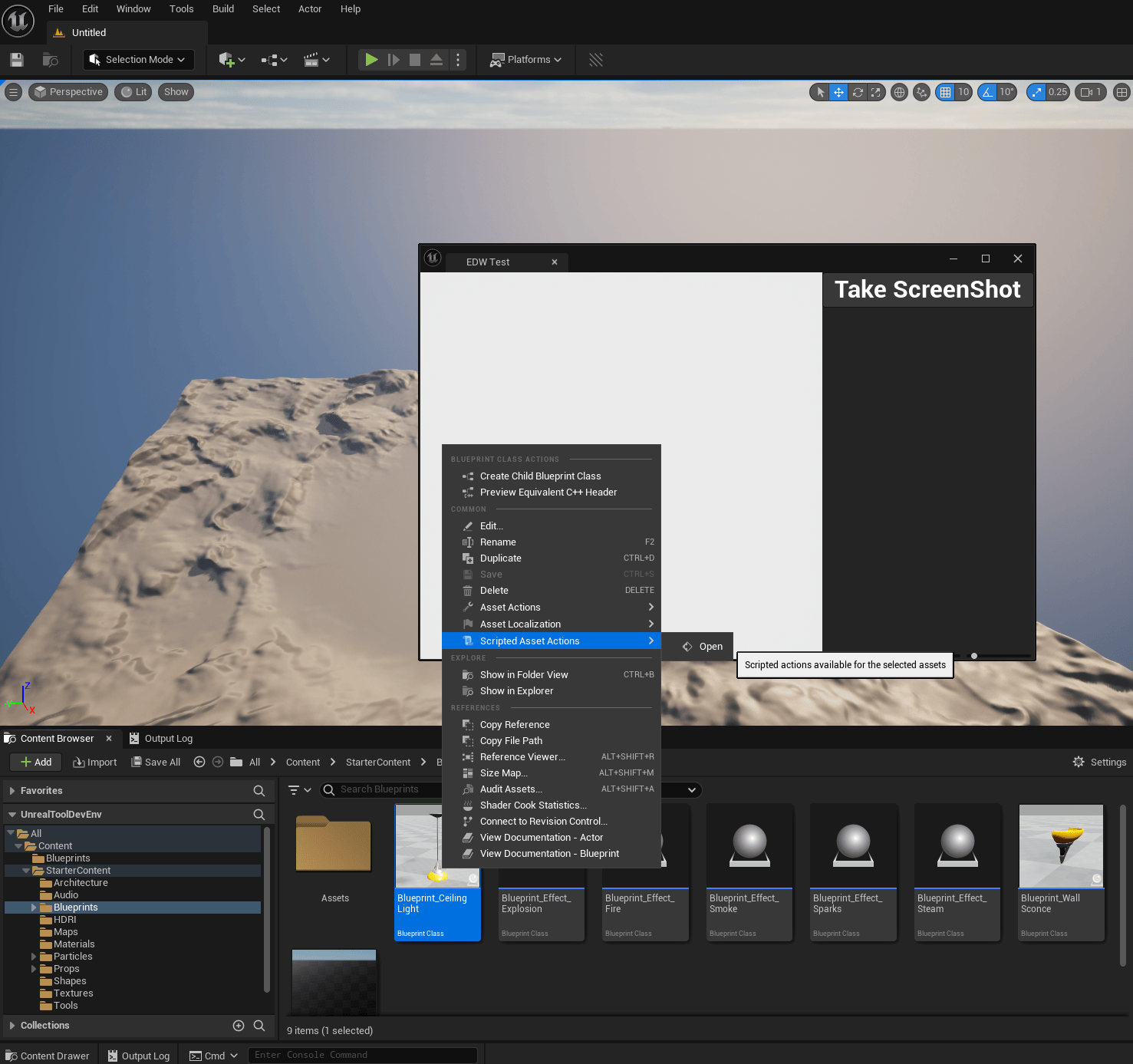
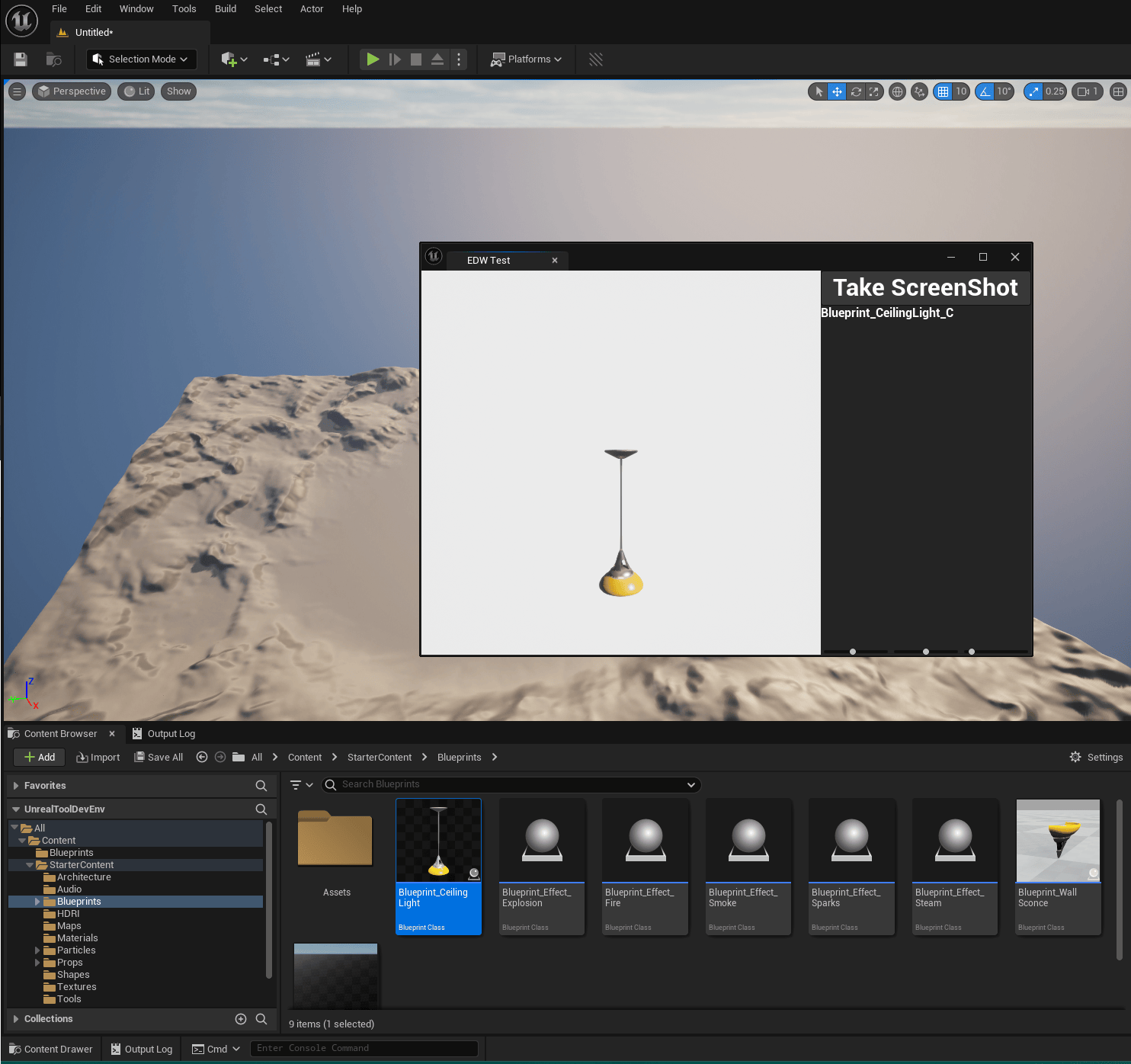
I made an Editor Utility Blueprint so you could right-click on any actor with a mesh and have the tool open with that actor already spawned in it.
This posed one problem: I built my viewport with an Editor Utility Widget, which uses UMG, and that kind of viewport can’t just be called to open from Blueprints. So I got to work again to make this possible.
Unreal plugins
I chose to make a plugin to make this possible in other future projects. I made a static Blueprint- and C++-callable function that checks whether the widget is a valid EditorUtilityWidgetBlueprint, and if so, uses the EditorUtilitySubsystem to spawn and register a new tab with the widget in it.
UEditorUtilityWidget* UStartEditorUtilityWidgetBPLibrary::StartWidget(UWidgetBlueprint* Blueprint)
{
	if (Blueprint->GeneratedClass->IsChildOf(UEditorUtilityWidget::StaticClass()))
	{
		if (IsValid(Blueprint))
		{
			UEditorUtilityWidgetBlueprint* EditorWidget = CastChecked<UEditorUtilityWidgetBlueprint>(Blueprint);
			if (IsValid(EditorWidget))
			{
				UEditorUtilitySubsystem* EditorUtilitySubsystem = GEditor->GetEditorSubsystem<UEditorUtilitySubsystem>();
				return EditorUtilitySubsystem->SpawnAndRegisterTab(EditorWidget);
			}
			UE_LOG(LogTemp, Error, TEXT("Blueprint is not a valid EditorUtilityWidgetBlueprint"));
		}
		UE_LOG(LogTemp, Error, TEXT("Blueprint is not valid"));
	}
	UE_LOG(LogTemp, Error, TEXT("Blueprint is not a child of EditorUtilityWidget"));
	return nullptr;
}
The actual screenshot
Now that this is set up, I just spawn a SceneCapture2D, set it up properly, and assign a render target to it. Then I can call Capture Scene and create a static texture with an alpha map from the render target.
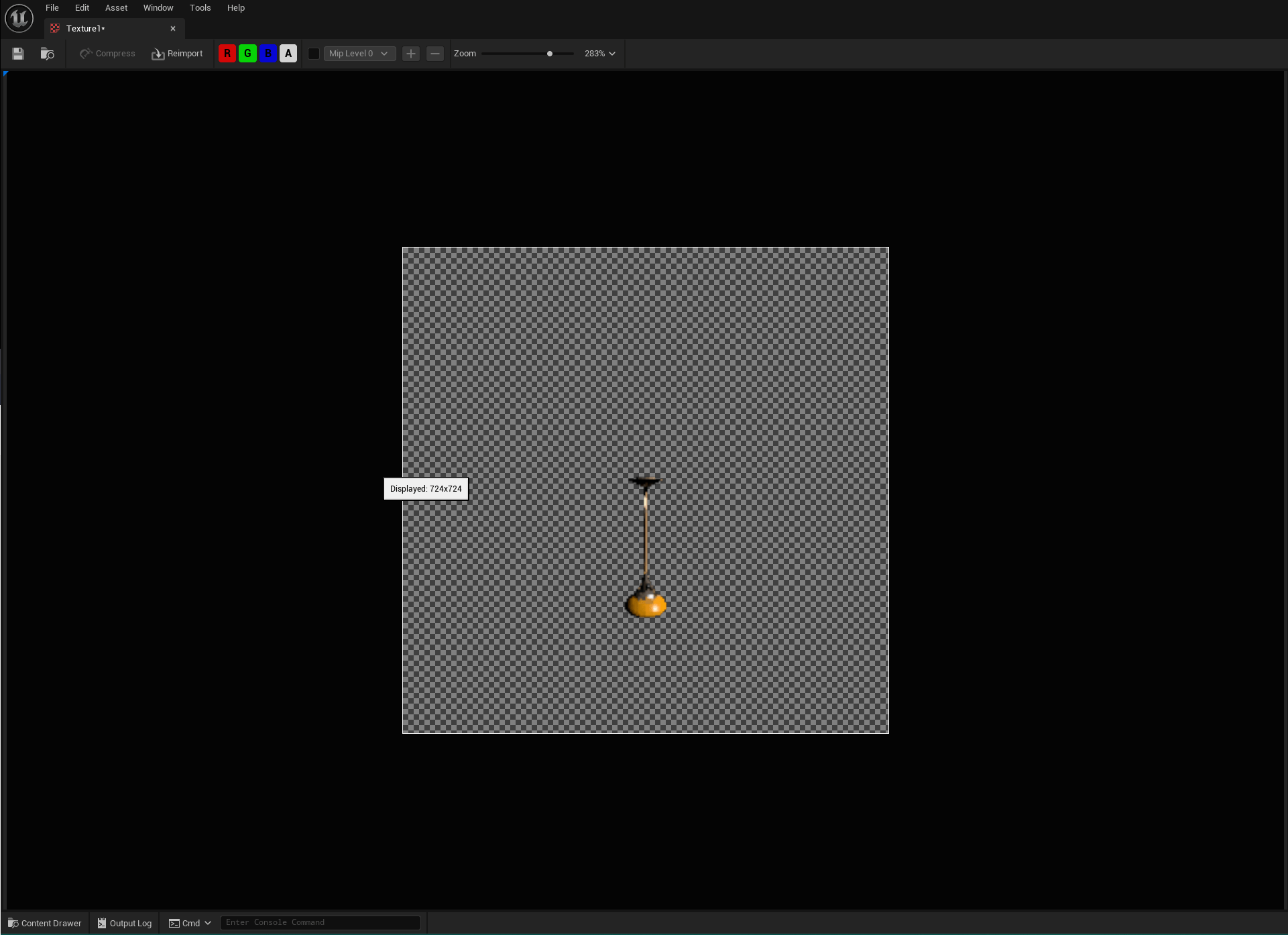
And just like that, I have my basic icon generation working. With just two clicks, I can generate an icon for every model in the workspace.
Of course, there’s still a lot of room for improvement in this tool. My future plans are to rewrite it as a plugin using Slate instead of UMG, which would make it compatible with older versions of Unreal Engine and allow for greater customizability. I’d also add the ability to save camera presets and support batch generation, to improve the workflow even further.